
Save 36%


Please sign in so that we can notify you about a reply
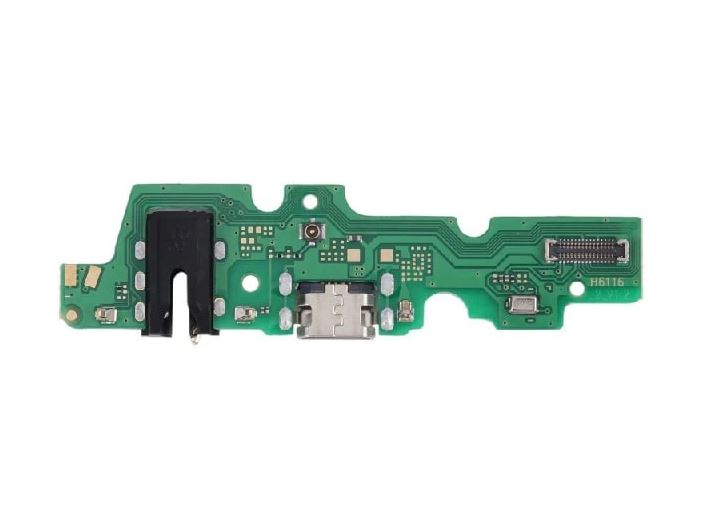
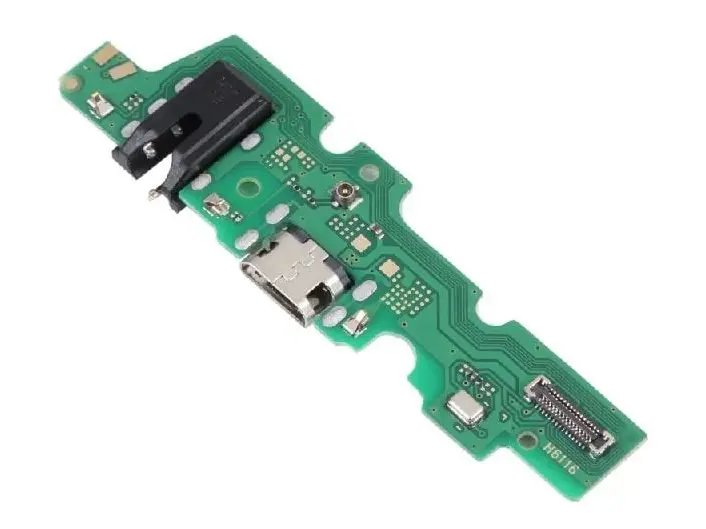
Is your phone charging only when you bend the cable at a strict angle, failing to connect to your laptop, or completely unresponsive to power? Skip the frustration and bring your phone back to 100% capacity with this premium Infinix Hot 10 Play (X688) Charging Board Module, available right here on Bzar.pk.
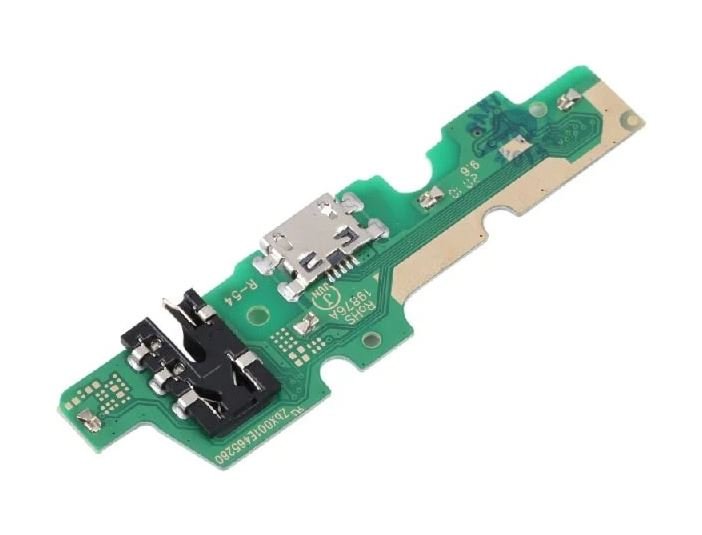
The lower sub-board circuit plays a massive multi-functional role in your device. Beyond housing a brand-new Micro-USB charging dock port, it serves as the mounting pad for your phone's primary voice microphone, headphone jack detection pins, and network cellular signal antenna clips. If your device suffered liquid damage, an aggressive drop, or an over-stretched port, swapping out this single pre-assembled logical module fixes power delivery, voice clarity, and headphone connectivity in one go.
Technical Specifications
- Brand Compatibility: Infinix
- Model Compatibility: Infinix Hot 10 Play / Hot 11 Play (Models: X688C, X688B, X688)
- Component Type: Bottom Sub-Board Assembly (Micro-USB Port, Audio Jack, Mic, and Antenna nodes)
- Port Connection: Standard Micro-USB
- Condition: 100% Brand New and Ready for Installation
Important Professional Installation Advice
- Disconnect the Power: Always unclip the internal battery flex ribbon from the main logic motherboard before removing or sliding in the new charging card to prevent sudden short circuits.
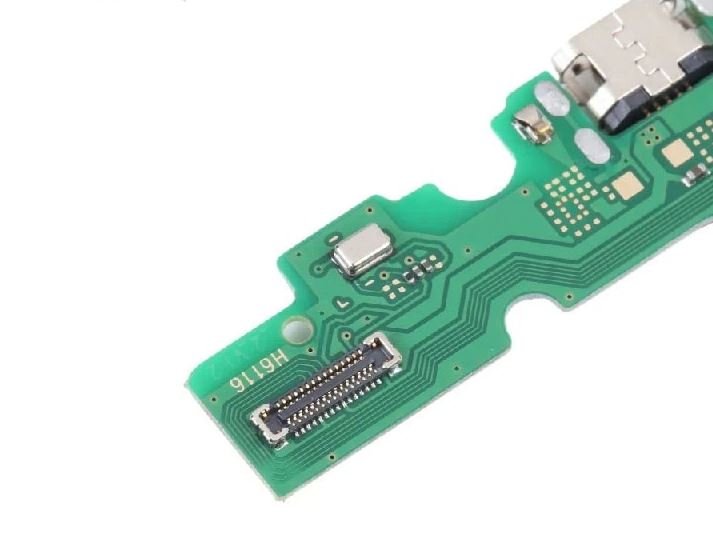
- Run a Dry Functional Test: Connect the main center ribbon to this replacement board and test charging current, microphone audio recording, and headphone jack responsiveness before applying permanent adhesive tape or screwing down the housing shield.
- Transfer Rubber Gaskets: Remember to safely transfer the original rubber water/dust protection rings from your old port onto the new module during installation to keep out debris.
No reviews found