
Save 14%



Please sign in so that we can notify you about a reply
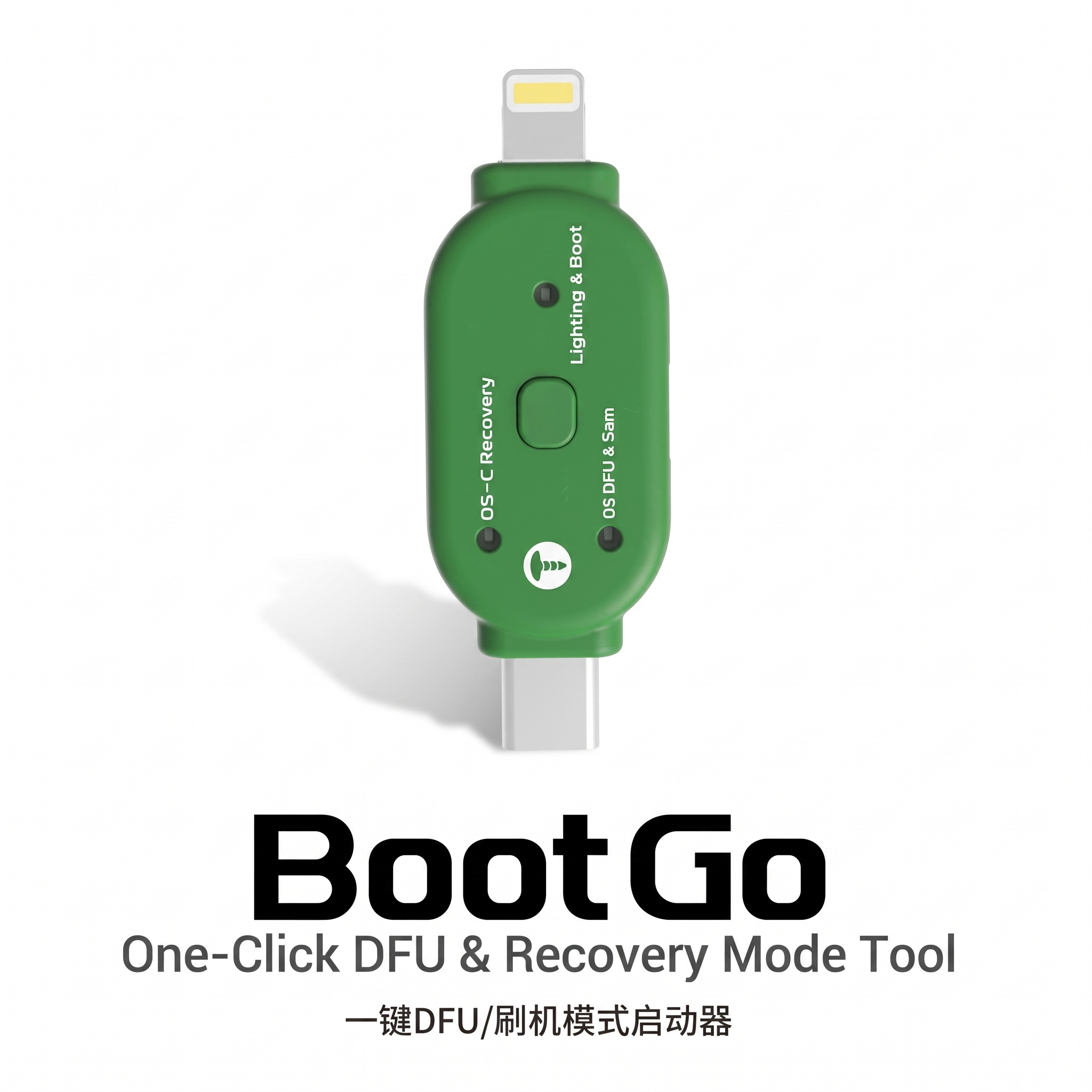
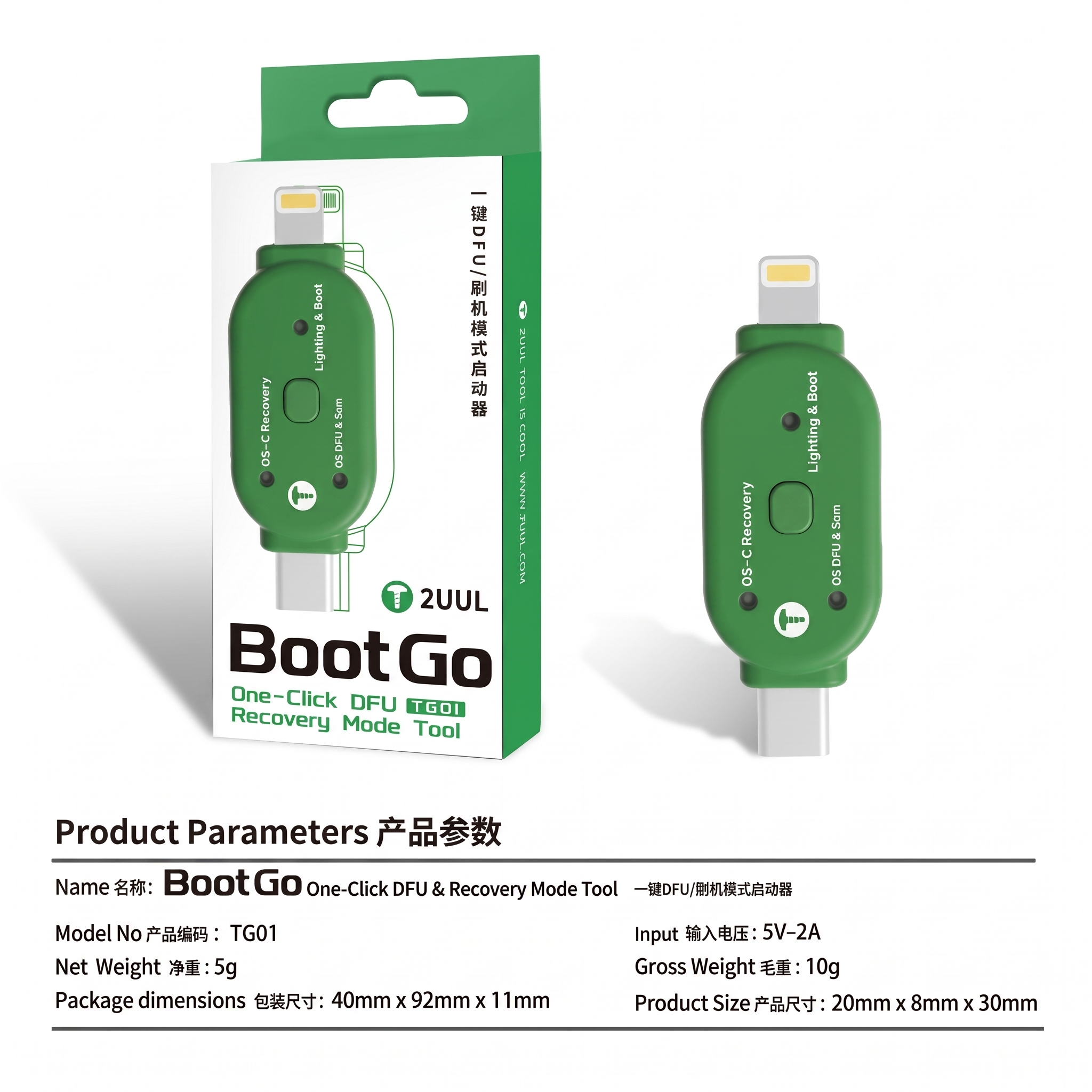
2UUL Boot Go (TG01) – One-Click DFU & Recovery Mode Tool
The 2UUL Boot Go is a smart Lightning/Type-C key that puts your iPhone or Samsung device into DFU Mode, Recovery Mode, or a normal reboot with a single press — no more memorizing complicated volume + power button combinations for flashing and restore work.
Key Features
- One-Key DFU Mode: Automatically detects the connected device and enters DFU mode instantly
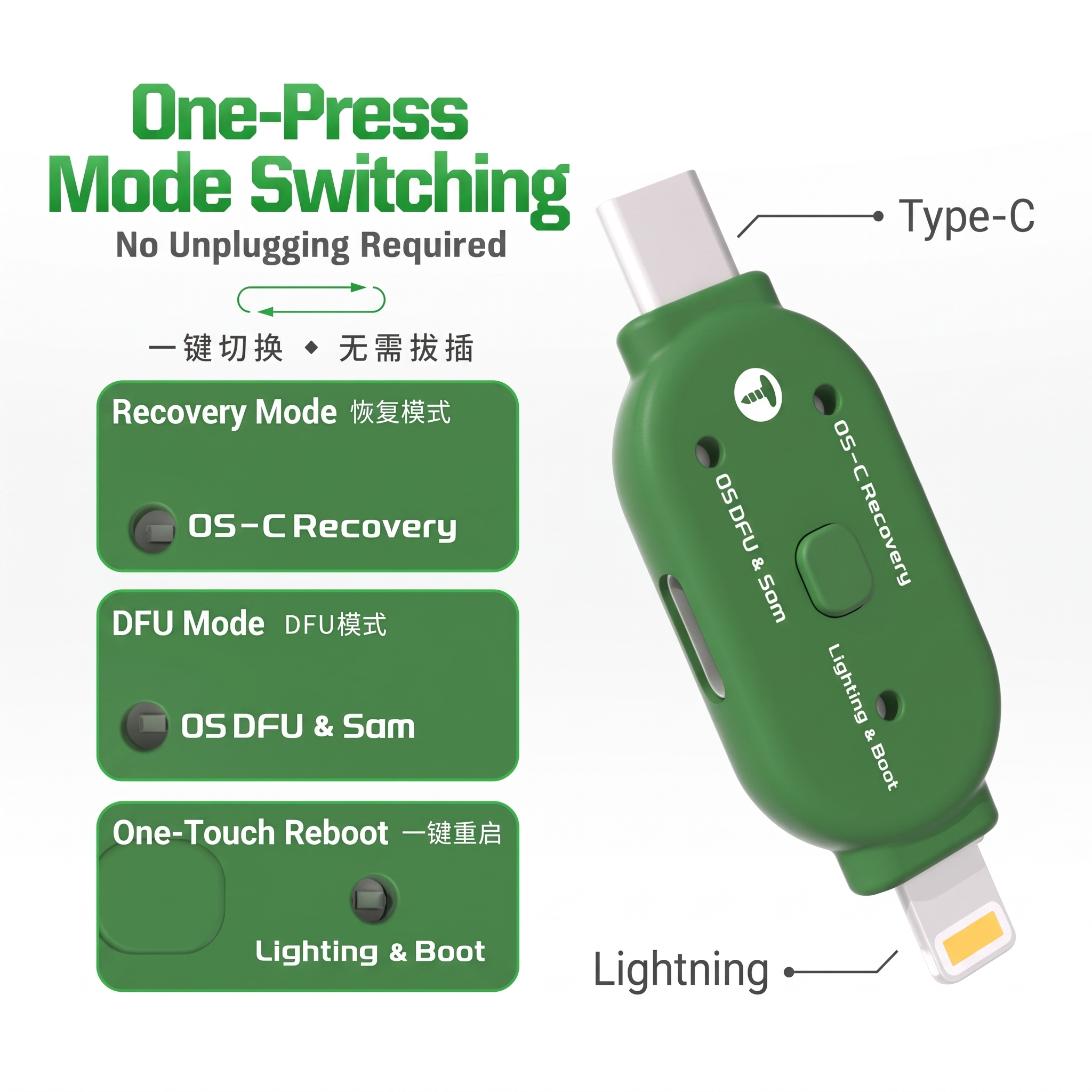
- One-Press Mode Switching: Switch between Recovery Mode (OS-C Recovery), DFU Mode (OS DFU & Sam), and One-Touch Reboot (Lighting & Boot) without unplugging the cable
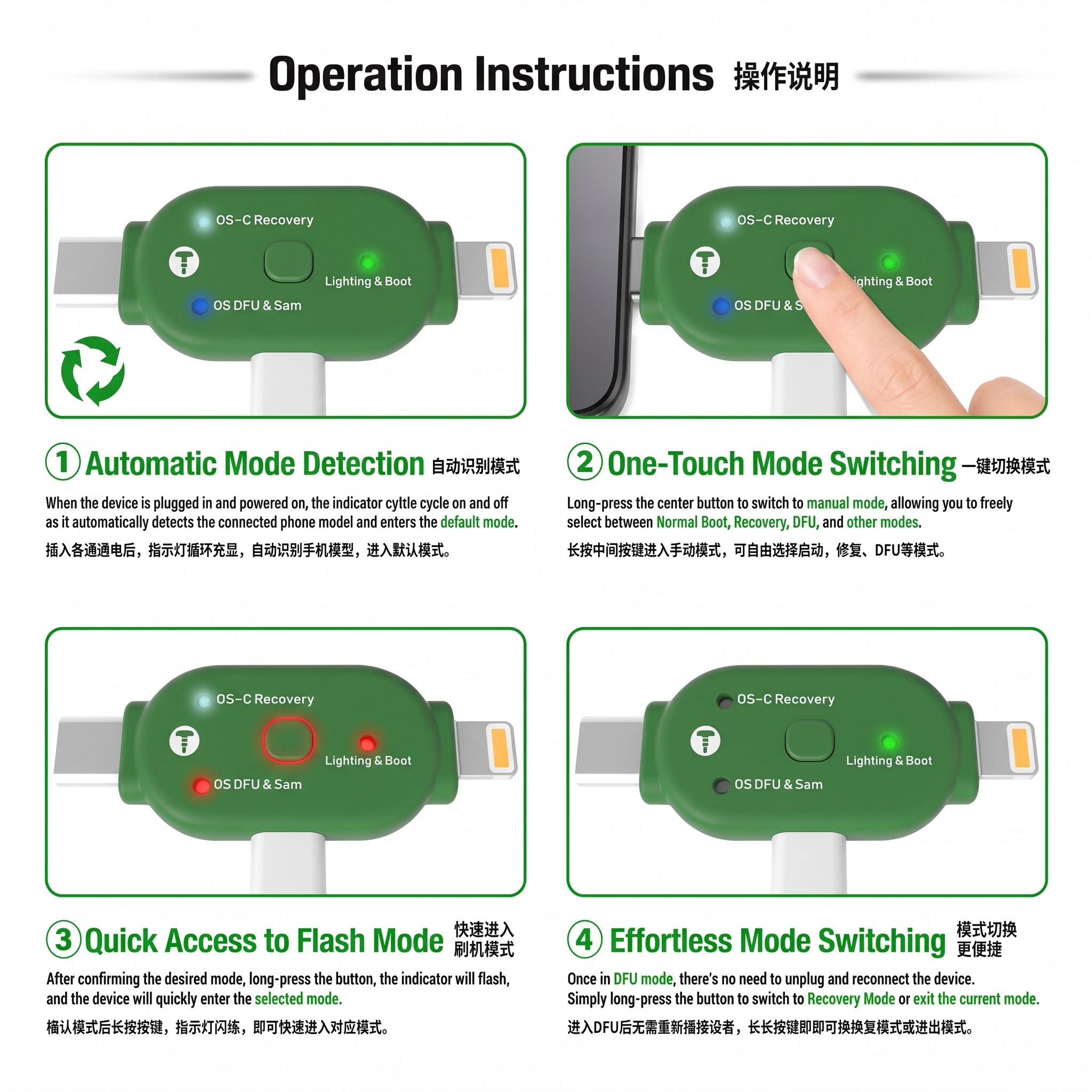
- Automatic Device Detection: Indicator lights cycle on power-up and auto-detect the connected phone model
- Manual Mode Selection: Long-press the center button to freely choose Normal Boot, Recovery, or DFU mode
- Dual Connector Design: Built-in Lightning connector on one end and Type-C connector on the other
- Compact, Durable Build: Lightweight 5g design that's easy to carry in a repair toolkit
Device Compatibility
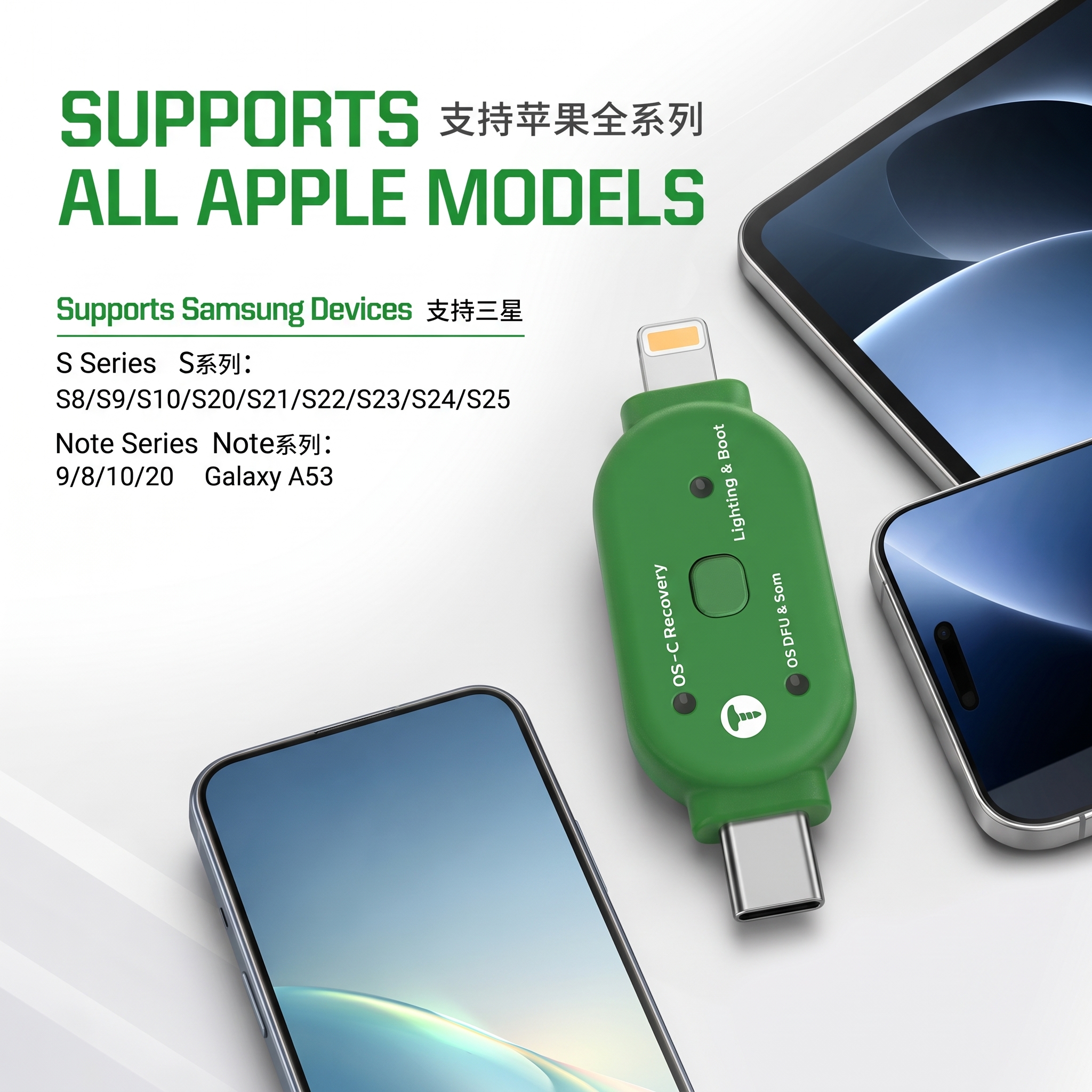
Apple: Supports all Apple models (via Lightning connector).
Samsung:
- S Series: S8 / S9 / S10 / S20 / S21 / S22 / S23 / S24 / S25
- Note Series: Note 8 / Note 9 / Note 10 / Note 20
- Galaxy A53
How It Works
- Plug the Boot Go into your device — indicator lights cycle on and auto-detect the connected phone.
- Long-press the center button to enter manual mode and choose Recovery, DFU, or Boot.
- Confirm the mode and long-press again — the indicator flashes and the device enters the selected mode.
- While in DFU mode, long-press again anytime to switch to Recovery Mode or exit — no need to reconnect the device.
Product Parameters
| Model No. | TG01 |
| Input | 5V – 2A |
| Net Weight | 5g |
| Gross Weight | 10g |
| Product Size | 20mm x 8mm x 30mm |
| Package Dimensions | 40mm x 92mm x 11mm |
What's in the Box
- 1 x 2UUL Boot Go (TG01) DFU & Recovery Mode Tool
Frequently Asked Questions
Does Boot Go work on both iPhone and Samsung?
Yes, it has a Lightning connector for Apple devices and a Type-C connector for Samsung Galaxy S, Note series, and Galaxy A53.
Do I need to unplug the device to switch between DFU and Recovery mode?
No. Once connected, you can long-press the button to switch modes without disconnecting the cable.
Is this tool useful for mobile repair shops?
Yes, it's designed for technicians who regularly need to put devices into DFU or Recovery mode for flashing and restore work.
No reviews found